

Download ICQ – free instant messenger, secure chat, cross‑platform messaging
Overview
ICQ (short for “I Seek You”) is one of the oldest instant‑messaging platforms still in active use today. First launched in the late 1990s, the service has been continuously refined to remain a lightweight, free solution for people who want a reliable way to chat with friends, family, and coworkers across the globe. The current public release is version 3.4, last updated on 23 November 2005, yet it still holds a solid user base in countries such as the United States, Israel, and Ghana. What sets ICQ apart from many modern messengers is its focus on simplicity: the client consumes far less storage space than most competing Internet software, making it a perfect fit for older computers or devices with limited resources.
The application belongs to the “Internet software” category with a sub‑category of “Chat & Communication – Instant Messengers”. It supports the classic desktop environments of Windows, Windows Phone, and legacy Mac OS Carbon, delivering a consistent experience regardless of the operating system. While newer platforms like iOS and Android are not officially listed for this particular build, the core protocol is open‑source, allowing third‑party developers to create compatible clients for those ecosystems. ICQ’s hallmark features include real‑time text messaging, offline messaging, file transfer, and a contact list that syncs across devices when you sign in with your UIN (Universal Identification Number). The client also supports basic avatar and status customisation, letting users express themselves without the overhead of heavy multimedia features.
In terms of security, ICQ encrypts traffic using SSL/TLS for login sessions and offers optional password protection for individual contacts. Although it does not boast end‑to‑end encryption like some newer apps, its long‑standing reputation for reliable delivery and low‑latency messaging has kept it relevant for users who value a straightforward, no‑frills chat experience. Whether you’re a nostalgic user revisiting a classic messenger or a newcomer looking for a lightweight, free chat tool, ICQ remains a viable option that balances historic charm with functional practicality.
Key Features of ICQ
- Real‑time instant messaging with low bandwidth consumption.
- Offline messaging – messages are stored on the server and delivered when the recipient reconnects.
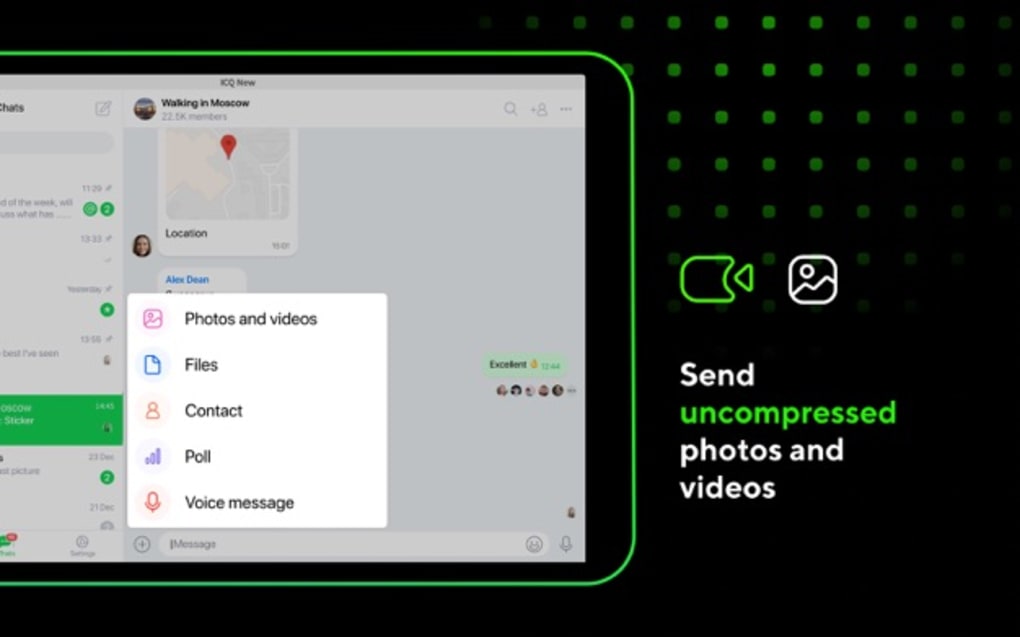
- File transfer support for documents, images, and small media files up to 2 MB per transfer.
- Contact list synchronisation across Windows, Windows Phone, and Mac OS Carbon.
- Customisable user status (Online, Away, Do Not Disturb, etc.) and avatar images.
- Secure login via SSL/TLS and optional password protection for private chats.
- Lightweight installer – the entire application occupies less than 8 MB of disk space.
- Multi‑language support, including an English interface with localisation options for future updates.
- Compatibility with legacy operating systems, making it ideal for older hardware.
- Simple, ad‑free interface that focuses on core messaging without unnecessary distractions.
Each of these features is designed to keep the user experience fast and intuitive. Because ICQ does not bundle heavy multimedia tools like video calls or integrated games, the application boots in seconds and stays responsive even on machines with modest specifications. The file‑transfer capability, while limited in size, is sufficient for sharing typical office documents or personal photos. Users also appreciate the ability to set custom statuses that appear to all contacts, a subtle yet powerful way to convey availability without opening a separate calendar or status‑sharing platform.
Security is addressed through encrypted login sessions, and users can optionally lock individual conversations with a password, adding a layer of privacy that is often missing from free instant messengers. Although ICQ does not provide end‑to‑end encryption by default, the SSL/TLS layer prevents credential theft and eavesdropping on the network level. This approach, combined with the software’s minimalistic design, reduces the attack surface, making it a safer choice for users who are wary of overly complex messaging suites.
The contact management system is another highlight. ICQ stores contacts in a cloud‑based address book linked to your UIN, meaning you can switch between a Windows desktop and a Mac laptop without rebuilding your buddy list. This synchronisation is seamless and does not require manual export or import, unlike many older messengers that rely on local files. Overall, ICQ’s feature set strikes a balance between essential communication tools and a lightweight footprint, delivering a reliable chat experience that has stood the test of time.
Installation, Usage & Compatibility
Step‑by‑step Installation Guide
Installing ICQ is straightforward, even for users who are not technically inclined. Follow these steps to get the messenger up and running on your computer:
- Visit the official download page or a trusted software repository that hosts the ICQ 3.4 installer.
- Click the “Download” button; the file is typically named
ICQ_3.4_Setup.exefor Windows orICQ_3.4.dmgfor Mac OS Carbon. - Once the download completes, double‑click the installer. Windows users will see a security prompt—choose “Run” to continue.
- The installation wizard will guide you through language selection (English is pre‑selected), license agreement, and destination folder. The default folder (C:\Program Files\ICQ) is recommended for most users.
- Click “Install” and wait for the process to finish. The installer extracts the necessary files and registers the application in the system’s start menu.
- After installation, launch ICQ. The first‑time setup asks for your UIN (or you can create a new one if you don’t already have an account). Follow the on‑screen instructions to set a password and optional profile picture.
- Once logged in, your contact list will sync automatically if you have existing buddies; otherwise, you can add new contacts by entering their UINs.
Operating System Compatibility
ICQ 3.4 is officially compatible with the following operating systems:
- Windows XP, Windows Vista, Windows 7, and Windows 8 (32‑bit and 64‑bit builds).
- Windows Phone 7.x – the mobile client mirrors the desktop experience with a simplified UI.
- Mac OS Carbon (10.3 – 10.5) – legacy Mac users can run the native .dmg installer without virtualization.
While the software does not list support for the latest Windows 10/11 or macOS Catalina and newer, many users report that the installer runs in compatibility mode on modern systems. For those on newer platforms, consider using a virtual machine with an older OS or a third‑party ICQ client that implements the same protocol.
Basic Usage Tips
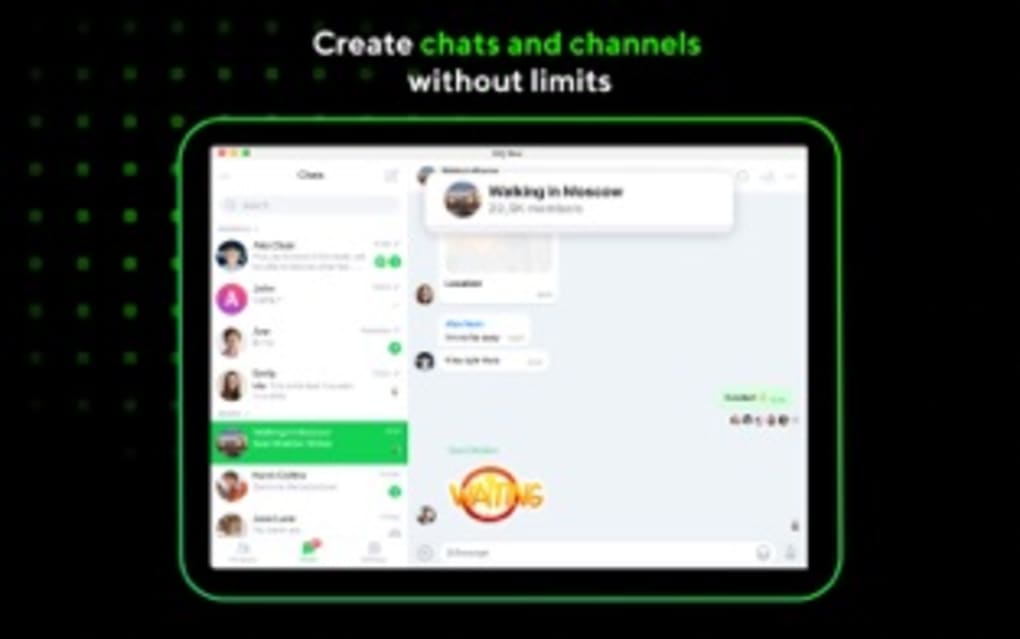
After logging in, you’ll see the main chat window divided into three panels: the contact list on the left, the conversation view in the center, and a status bar at the bottom. To start a conversation, double‑click a contact’s name, type your message, and press Enter. Use the “File” menu to send attachments, and click the status dropdown to update your availability. The “Options” dialog lets you configure sound alerts, auto‑login, and privacy settings such as blocking unwanted users.
For power users, keyboard shortcuts like Ctrl+N (new chat), Ctrl+F (find contacts), and Ctrl+Shift+S (set status) can speed up daily interactions. Remember to regularly check for updates—although the last official release was in 2005, community patches occasionally surface to address compatibility issues with newer operating systems.
Pros, Cons & Frequently Asked Questions
Pros
- Extremely lightweight – uses less than 8 MB of disk space.
- Free to download and use without hidden fees.
- Cross‑platform support for legacy Windows, Windows Phone, and Mac OS Carbon.
- Simple, ad‑free interface focused on core messaging.
- Secure login via SSL/TLS and optional password protection for chats.
Cons
- No official support for iOS, Android, or recent Windows/macOS versions.
- File transfer size limit (2 MB) may be restrictive for larger media.
- Lacks modern features such as video calls, stickers, or end‑to‑end encryption.
- Last official update was in 2005, so occasional compatibility quirks may appear.
- Community‑driven support only; no dedicated technical helpline.
FAQ
Is ICQ still safe to use in 2025?
Yes, ICQ employs SSL/TLS encryption for login sessions and offers optional password protection for individual chats. While it does not have modern end‑to‑end encryption, the lightweight design reduces the attack surface, making it reasonably safe for everyday text communication.
Can I run ICQ on Windows 10 or Windows 11?
Although ICQ 3.4 was not originally designed for Windows 10/11, many users report successful installation using compatibility mode (Windows XP). If you encounter issues, consider using a virtual machine with an older Windows version or a third‑party client that supports the ICQ protocol.
How do I recover a forgotten UIN or password?
Visit the official ICQ recovery page, enter the email address linked to your account, and follow the instructions to receive a password reset link. If you have lost the UIN, the same page provides a lookup tool using your registered email.
Is there a limit to how many contacts I can add?
ICQ does not impose a strict limit on the number of contacts; however, extremely large contact lists may affect performance on older hardware due to the client’s simple architecture.
Can I transfer files larger than 2 MB?
The native file‑transfer feature caps at 2 MB per file. For larger files, you can share a download link from a cloud service (e.g., Dropbox or Google Drive) within the chat window.
Overall, ICQ remains a solid choice for users who need a quick, free, and low‑resource instant messenger. Its pros outweigh the cons for anyone who values simplicity over flashy features, especially on legacy systems where newer apps may be too heavy.
Conclusion & Call to Action
In a world saturated with feature‑rich, subscription‑based messaging platforms, ICQ offers a refreshing return to basics. Its lightweight footprint, free price tag, and cross‑platform compatibility with older Windows and Mac systems make it an attractive option for both nostalgic users and those with limited hardware resources. While it lacks modern bells and whistles like video calls and end‑to‑end encryption, the core functionality—reliable text chat, file sharing, and secure login—still delivers a dependable communication experience.
If you’re looking for a messenger that installs in seconds, consumes minimal storage, and provides a stable chat environment without intrusive ads, ICQ is worth a download. Simply click the button below to get the latest official installer, create or sign in with your UIN, and start reconnecting with friends and colleagues worldwide.







